
Set Up A Simple Studio For Beginners: Red Flags to Ditch for Good

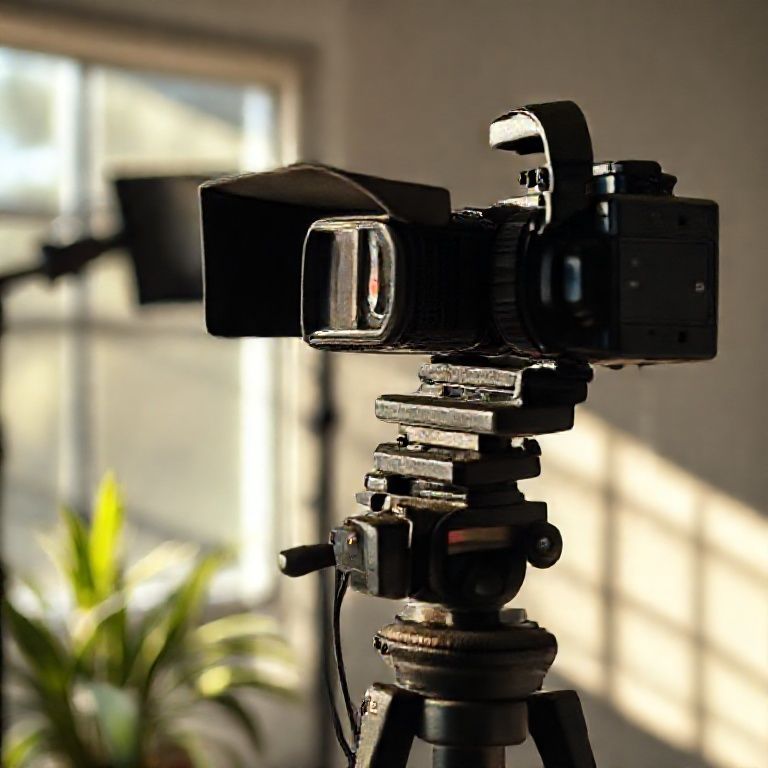
set up a simple studio for beginners

Introduction
For those new to photography or looking to expand their creative horizons, setting up a home studio can be an exciting yet daunting prospect. With so many options available, it’s easy to get overwhelmed by the sheer number of equipment choices and technical considerations. However, with a little planning and guidance, anyone can set up a simple studio that meets their needs and helps them produce high-quality photos.
A well-equipped studio is not just about having the latest gadgets and gizmos; it’s also about creating an environment that inspires creativity and productivity. For beginners, setting up a simple studio doesn’t have to mean breaking the bank or investing in a massive space. In fact, with a little bit of ingenuity and resourcefulness, you can create a functional and effective studio on a relatively modest budget.
In this article, we’ll take a step-by-step approach to helping you set up a simple studio for beginners. We’ll cover the essentials, from choosing the right equipment to selecting a suitable location, and provide tips and tricks along the way to ensure that your studio is not only functional but also inspiring. Whether you’re a hobbyist or an aspiring professional, this guide will show you how to create a space that helps you bring your creative vision to life.

Setting Up a Simple Studio for Beginners: a Step-by-Step Guide
Gathering Essential Equipment
When setting up a simple studio for beginners, it’s essential to start with the basics. Here are some of the most crucial pieces of equipment you’ll need:
1. Camera: You can start with a basic DSLR or mirrorless camera. Consider investing in a camera that has good image quality, manual controls, and is compatible with your preferred lens.
For example, Canon EOS Rebel T7i or Nikon D5600 are excellent choices for beginners due to their affordability and feature-rich capabilities.
2. Lenses: A good starting point for beginners is to invest in a few essential lenses such as a 50mm f/1.8 prime lens, a 24-70mm zoom lens, or a 35mm f/2.0 prime lens.
A 50mm f/1.8 lens is an excellent choice for portraits and street photography, while a 24-70mm lens provides versatility for everyday shooting.
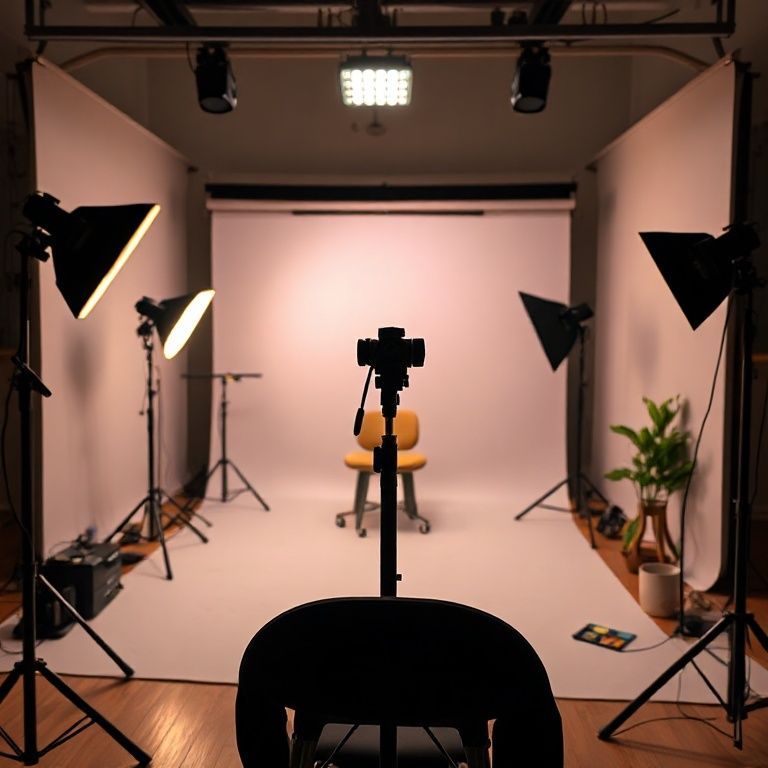
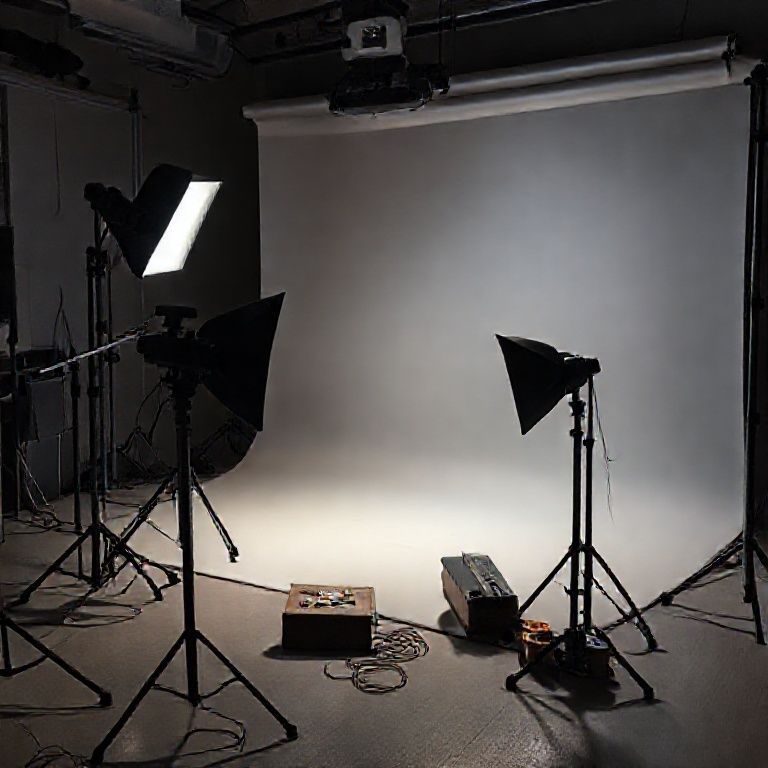
3. Lighting: Natural light is always the best option, but if you’re shooting indoors, invest in a basic lighting kit that includes a key light, fill light, and a backlight.
A basic lighting kit can be set up using softbox lights or LED panels, which are both affordable and easy to use. Consider investing in a lighting kit that includes multiple lights and modifiers for more flexibility.
Creating a Comfortable Shooting Space
1. Studio Layout: Plan your studio layout to ensure it’s comfortable and efficient for you. Consider investing in a portable photography stand or a tripod to stabilize your camera.
A well-organized studio with clear pathways and sufficient lighting can help you focus on capturing great images.
2. Backdrops and Props: Invest in a few basic backdrops such as white, black, gray, and green screens. You can also gather props such as furniture, flowers, or other objects that fit your subject matter.
For example, you can use a simple white backdrop for portraits or create a cityscape using cardboard boxes and paper.
Editing and Post-Production
1. Image Editing Software: Invest in image editing software such as Adobe Lightroom or Photoshop to edit and enhance your photos.
Adobe Lightroom is an excellent choice for beginners due to its user-friendly interface and powerful editing tools.
2. Computer and External Hard Drive: Ensure you have a reliable computer and an external hard drive to store your edited images.
A fast computer with at least 8 GB of RAM and a dedicated graphics card will help you edit photos quickly and efficiently.
Additional Tips for Beginners
Working with Natural Light
When shooting outdoors, consider working during the golden hour (dawn or dusk) when the light is soft and warm. This will help create beautiful, natural-looking images.
To make the most of natural light, position your subject near a window or outside in the shade.
Practicing Composition
Composition is key in photography. Practice using the rule of thirds, leading lines, and framing to create visually appealing images.
Experiment with different composition techniques by studying the work of other photographers and practicing regularly.
Learning from Online Resources
For more advanced techniques and tips, check out online resources such as Digital Photography Schoolor Fstoppers.
These websites offer a wealth of information on photography techniques, gear reviews, and inspiring images to help you improve your skills.
Joining a Photography Community
Joining a photography community can be a great way to learn from others, get feedback on your work, and stay motivated. Look for local photography clubs or online forums where you can connect with other photographers.
Participating in photography contests or workshops can also help you network with other photographers and gain valuable experience.
By following these steps and tips, you’ll be well on your way to setting up a simple studio for beginners and taking your photography skills to the next level.
# Set Up a Simple Studio for Beginners
Choosing the Right Space
Before setting up your studio, consider the following factors to choose the right space:
1. Natural Light
Natural light is essential for photography and video production. Look for a spot with plenty of natural light, ideally near a window.
2. Noise Level
A quiet space is crucial for focused work. Avoid areas with high foot traffic or loud machinery.
3. Electrical Outlets
Ensure the space has access to reliable electrical outlets to power your equipment.
Preparing the Space
1. Clear the Area
Clear the area of any clutter, furniture, or obstructions that could interfere with your work.
2. Insulate and Ventilate
Insulate the space to maintain a comfortable temperature and ventilate it to prevent overheating or moisture buildup.
3. Secure the Space
Secure the space by installing shelves, cabinets, or storage units to keep equipment organized and protected.
Setting Up Your Studio
1. Lighting Setup
Set up a basic lighting kit consisting of a key light, fill light, and backlight. This will provide a well-lit and visually appealing environment for your work.
2. Camera and Lens Setup
Set up your camera and lenses according to the type of content you’re creating. Ensure all equipment is properly secured and adjusted for optimal performance.
3. Sound Equipment
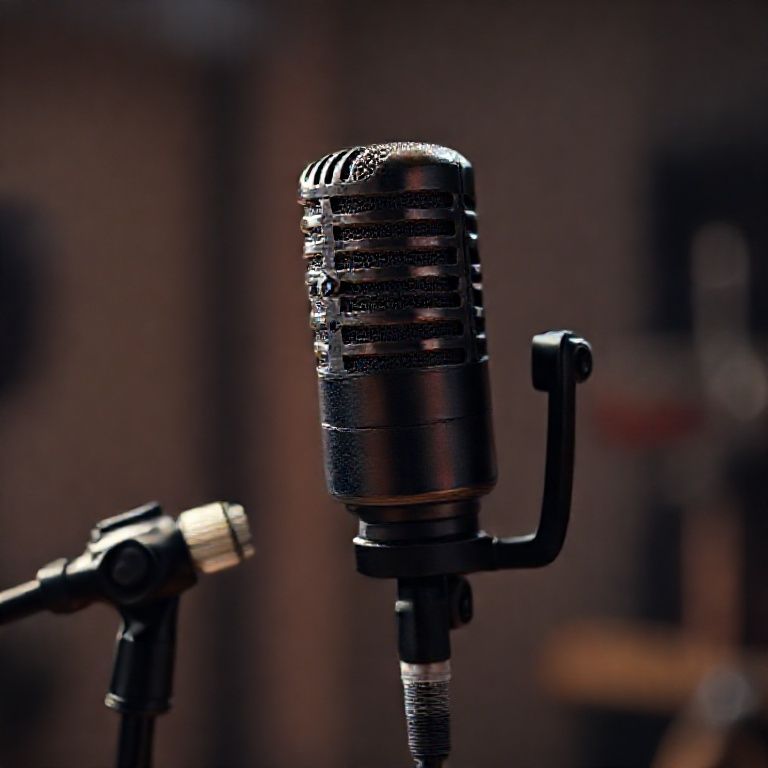
Set up a basic sound system consisting of a microphone, audio interface, and monitor speakers. This will provide high-quality audio for your recordings.
Organizing Your Studio
1. Categorize Equipment
Categorize your equipment into groups, such as lighting, camera, and sound equipment. This will make it easier to find what you need when working on a project.
2. Label and Sign
Label each piece of equipment with its purpose and consider creating a sign for the studio with essential information, such as the location of outlets or emergency exits.
3. Maintain Organization
Establish a routine for maintaining your studio’s organization. This may include weekly or monthly cleaning sessions to keep everything tidy and in working order.
Conclusion
In setting up a simple studio as a beginner, it’s essential to remember that the goal is not perfection, but rather progress and experimentation. Don’t be discouraged by initial setbacks or lack of equipment â instead, focus on learning and adapting.
To take your first steps in creating a home studio, start by gathering the basics: a computer, audio interface, microphone, and recording software. Research and invest time in understanding the fundamentals of sound engineering, acoustics, and music production.
Take the leap and give yourself a chance to explore the world of music creation. Share your experiences, ask for feedback, and learn from others in online forums or social media groups dedicated to music production. Who knows? You might just discover your hidden talent and create something amazing. So, what are you waiting for? Set up that studio and start making music!
Here are five concise FAQ pairs for setting up a simple studio for beginners:
Q: What equipment do I need to start a home studio?
A: To get started, you’ll need a good pair of monitor speakers, a MIDI keyboard or controller, and a digital audio workstation (DAW) software.
Q: Where should I set up my studio?
A: Choose a quiet room with minimal distractions, away from windows and outside noise. Consider setting up your studio in a corner or against a wall to minimize echo and reverberation.
Q: What kind of chair and desk are best for a home studio?
A: Invest in an ergonomic chair and a sturdy, adjustable desk that can support your gear. Look for a comfortable height and good ventilation to prevent fatigue and distractions.
Q: How do I organize my studio for maximum productivity?
A: Use cable organizers and zip ties to keep cables tidy, and label your equipment and software to make it easy to find what you need. Consider investing in a portable storage solution for your gear when not in use.
Q: Do I need any special lighting or acoustics in my studio?
Here’s a short quiz for “Set Up a Simple Studio for Beginners”:
Question 1: What type of flooring is recommended for a home studio?
A) Carpet
B) Hardwood or laminate
C) Tile
Show answer
Answer: B) Hardwood or laminate
Question 2: What is the ideal distance between your monitor and chair?
A) 20-30 inches
B) 40-50 inches
C) 60-70 inches
Show answer
Answer: A) 20-30 inches
Question 3: Which of the following lighting options is best for a home studio?
A) Fluorescent lights only
B) LED lights only
C) A combination of LED and fluorescent lights
Show answer
Answer: C) A combination of LED and fluorescent lights
Question 4: What type of desk is recommended for a home studio?
A) A large, heavy wooden desk
B) A compact, portable desk
C) A mid-sized, ergonomic desk
Show answer
Answer: C) A mid-sized, ergonomic desk

This really helped me understand the concept better. 👍
I’ve been looking for information like this everywhere. 👍