
Record Vocals At Home Guide: Genius Tips that Actually Work

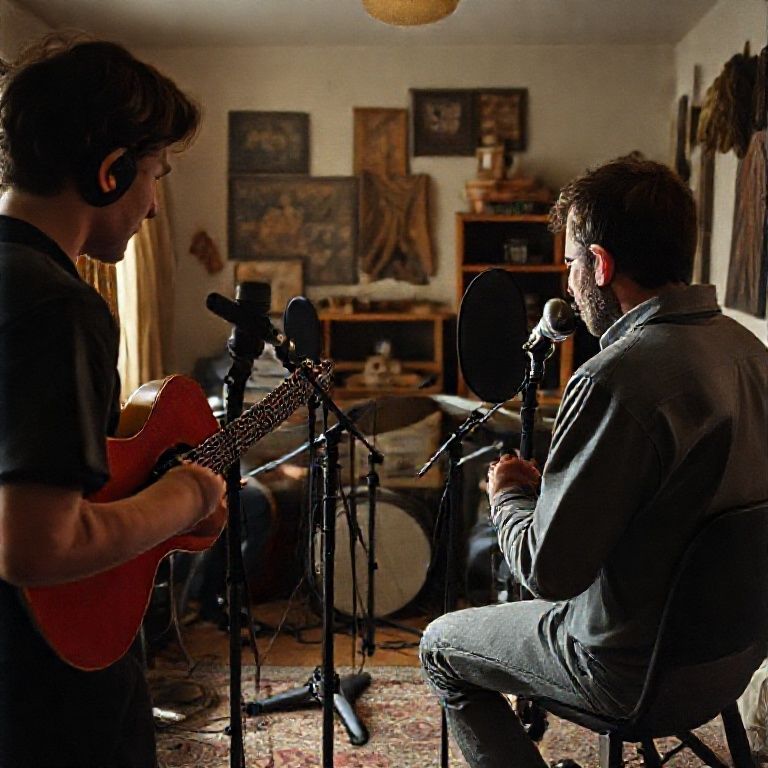
record vocals at home guide
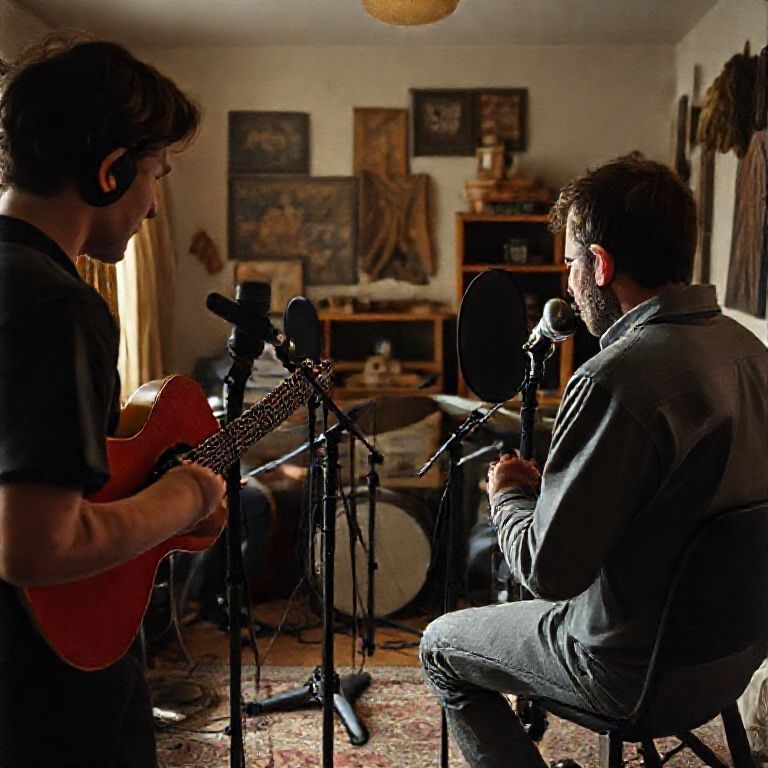
Introduction
In today’s music production landscape, having a professional-sounding recording studio at your fingertips is no longer a luxury reserved for experienced producers and musicians. With the advancement of technology and the proliferation of affordable recording equipment, it’s now possible to capture high-quality vocals from the comfort of your own home. This has opened up new avenues for creatives, allowing them to experiment with different sounds and styles without breaking the bank or sacrificing their creative freedom.
However, navigating the world of home recording can be daunting, especially when it comes to capturing exceptional vocal performances. With so many variables to consider – from acoustic treatment to mic placement – it’s easy to get lost in a sea of technical jargon and confusion. That’s why having a reliable guide is essential for anyone looking to record vocals at home.
In this article, we’ll take you by the hand and walk you through the process of recording exceptional vocals from the comfort of your own home. We’ll cover everything from setting up your equipment to optimizing your recording space, providing you with the tools and knowledge needed to capture professional-sounding results that will elevate your music to new heights.
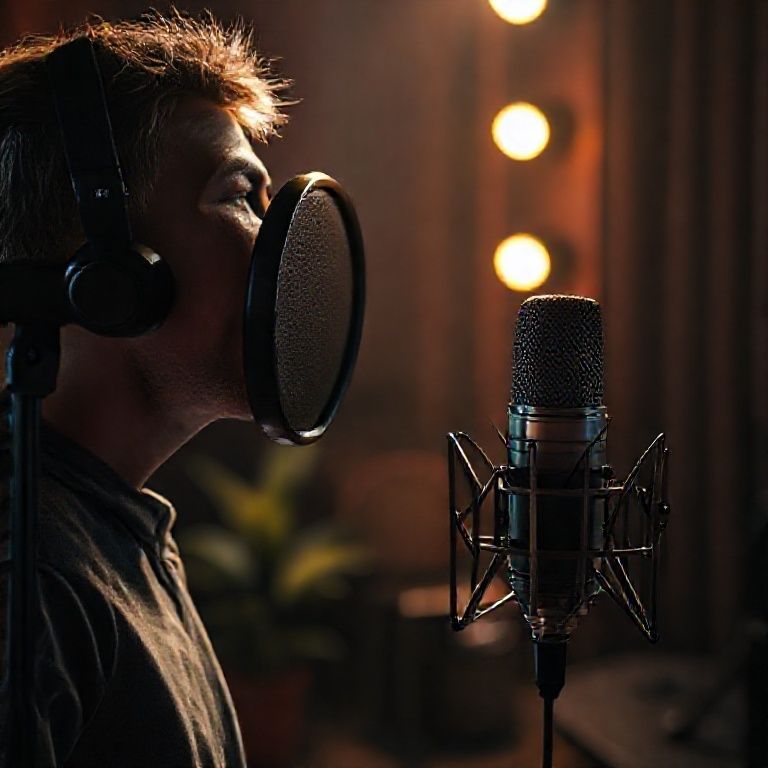
Getting Started with Recording Vocals at Home
Choosing the Right Equipment
Recording vocals at home can be a daunting task, but with the right equipment, you can achieve professional-sounding results. Here are some essential items to get started:
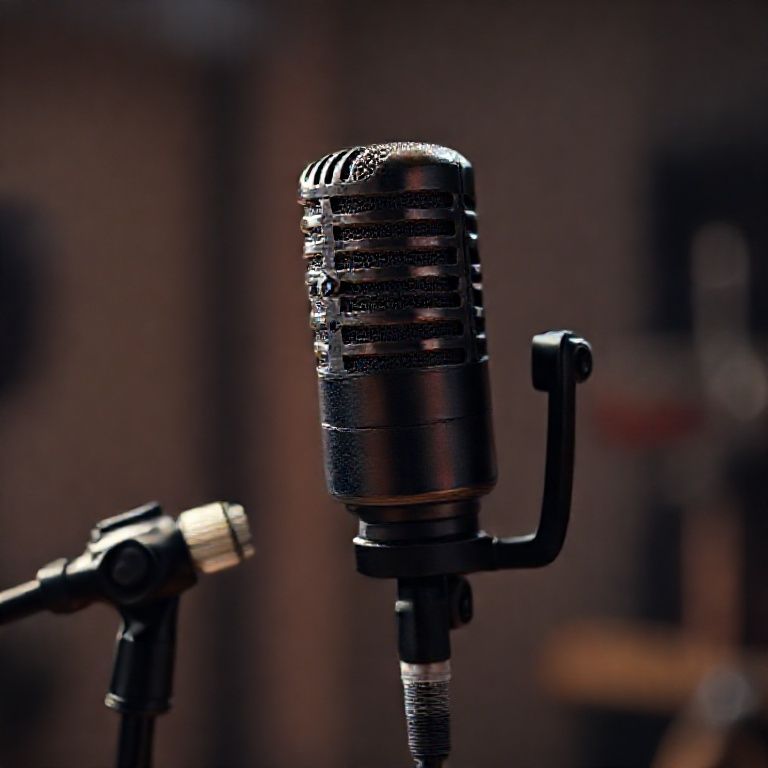
A good quality microphone (e.g., Blue Yeti or Rode NT1-A)
A computer or recording device
Audio interface (optional but recommended for better sound quality)
Acoustic treatment for your home studio (e.g., DIY panels or acoustic foam)
Setting Up Your Home Studio
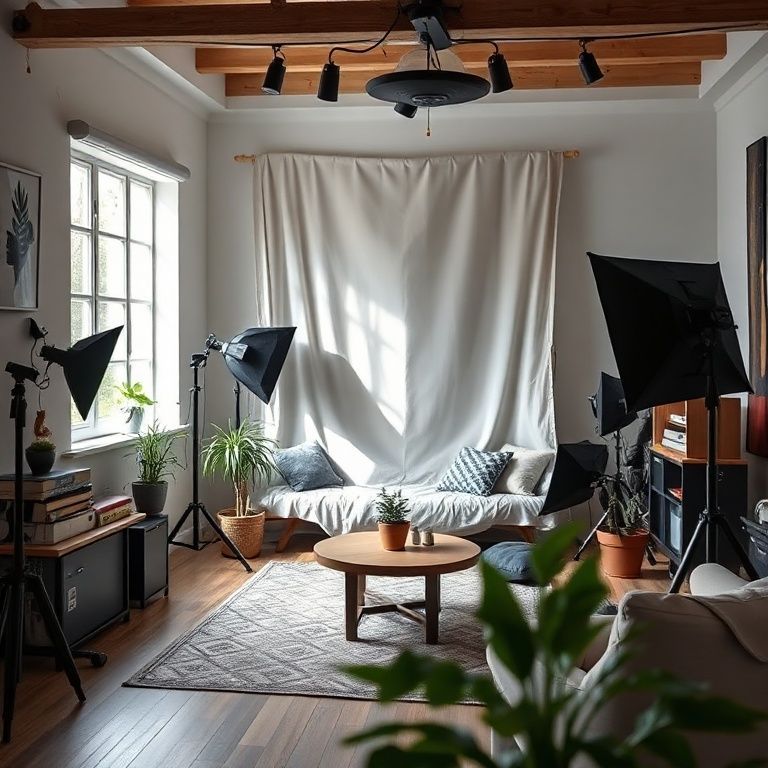
Before you start recording, make sure your home studio is set up for optimal performance. Here are some tips:
Finding the Perfect Acoustic Treatment
Acoustic treatment is crucial for reducing echo and reverberation in your home studio. You can use DIY panels or purchase pre-made solutions like acoustic foam.
Measure the size of your recording space to determine how much acoustic treatment you’ll need.
Choose materials that are specifically designed for acoustic treatment, such as Owens Corning 703 or Roxul Safe’n’Sound.
Install the treatment in a way that minimizes reflections and maximizes absorption.
Recording Vocals at Home
Now that your home studio is set up, it’s time to start recording. Here’s a step-by-step guide:
Pre-Recording Checklist
Before you start recording, make sure you have everything you need:
A clean and quiet space for recording
A good quality microphone
A computer or recording device
Audio interface (if using)
Acoustic treatment for your home studio
A reference track or guide to follow
Recording Techniques
Here are some tips for getting the best possible sound out of your vocals:
Mic Placement and Positioning
The placement and positioning of your microphone can greatly affect the quality of your recording. Here are some general guidelines:
Place the microphone 6-8 inches from your mouth
Position the microphone at a 45-degree angle to your face
Experiment with different mic placements to find what works best for you
Post-Recording Editing and Mixing
Once you’ve finished recording, it’s time to edit and mix your tracks. Here are some tips:
Basic Editing Techniques
Here are some basic editing techniques to get you started:
Use a digital audio workstation (DAW) like Ableton or Logic Pro to record and edit your vocals
Learn the basics of EQ, compression, and reverb to enhance your sound
Experiment with different effects to find what works best for your music
Conclusion
Recording vocals at home can be a fun and rewarding experience, but it requires some planning and preparation. By following these steps and tips, you’ll be well on your way to creating high-quality recordings in the comfort of your own home.
For more information on recording techniques and equipment, check out:
Anchor for expert advice on microphone selection and placement
Anchor for tutorials on basic editing techniques and mixing
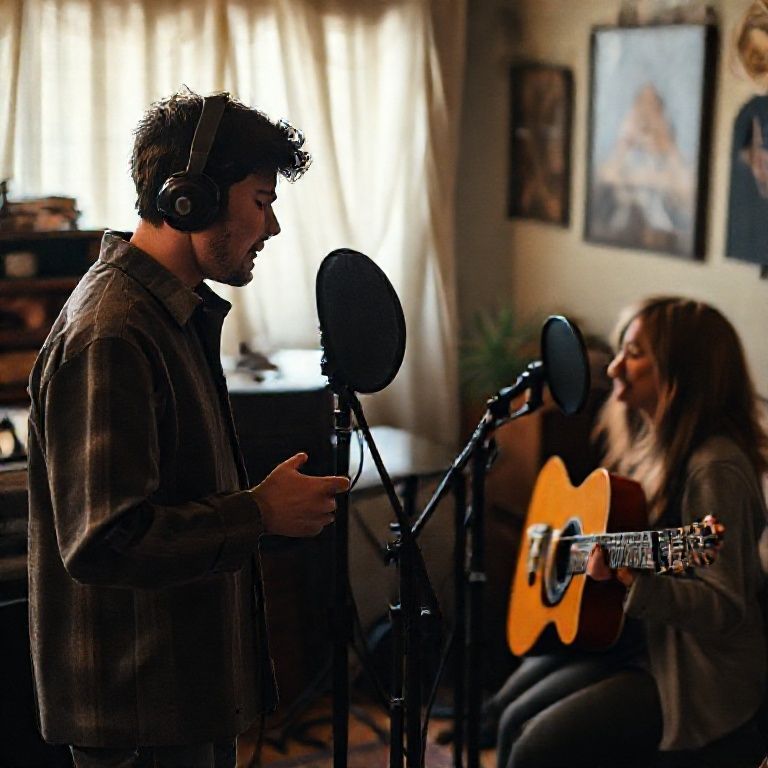
Conclusion
In conclusion, recording high-quality vocals at home is a skill that can be mastered with practice and the right guidance. With this guide, you’ve taken the first step towards achieving professional-sounding recordings from the comfort of your own space. To further enhance your skills, we encourage you to continue experimenting and pushing yourself creatively. Join our community to share your progress, get feedback, and stay updated on the latest recording techniques and industry trends. By taking control of your home studio setup and investing time in honing your craft, you’ll be well on your way to producing exceptional vocal recordings that will elevate your music to new heights.
Here are five concise FAQ pairs for a “Record Vocals at Home Guide”:
Q: What equipment do I need to record vocals at home?
A: You’ll need a computer, microphone, audio interface, headphones, and recording software.
Q: How do I choose the right microphone for recording vocals?
A: Consider your budget, the type of music you’re recording, and the sound you want to achieve. Popular options include condenser microphones like the Blue Yeti or Rode NT1-A.
Q: What’s the best way to set up my home recording space?
A: Find a quiet room with minimal background noise and few distractions. Use acoustic treatment materials like blankets or absorption panels to reduce echo and reverberation.
Q: How do I ensure good sound quality when recording vocals at home?
A: Use high-quality headphones, invest in a pop filter to reduce plosive sounds, and record in a quiet room with minimal background noise.
Q: Do I need professional training to record good vocals at home?
Here’s a short quiz for your “Record Vocals at Home Guide”:
Question 1: What is the primary purpose of using a pop filter when recording vocals?
A) To reduce echo in the room
B) To prevent plosive sounds from being captured on record
C) To add warmth to the vocal sound
Show answer
Answer: B) To prevent plosive sounds from being captured on record
Question 2: Which of the following is a good way to prepare your vocal cords for recording?
A) Singing loudly before recording
B) Drinking a lot of water before recording
C) Avoiding singing altogether until you’re feeling rested and hydrated
Show answer
Answer: C) Avoiding singing altogether until you’re feeling rested and hydrated
Question 3: What is the recommended gain level for a microphone when recording vocals?
A) As low as possible to minimize noise
B) Around -20 dB to -10 dB to capture a balanced signal
C) As high as possible to maximize sound quality
Show answer
Answer: B) Around -20 dB to -10 dB to capture a balanced signal
Question 4: Which of the following is a common issue that can affect the quality of your recorded vocals?
A) Overusing compression during recording
B) Not using a de-esser or compressor at all
C) Using a microphone with a low sensitivity rating
Show answer
Answer: C) Using a microphone with a low sensitivity rating

Well written! Thank you for this detailed explanation. Much appreciated!
I can’t thank you enough for this information. 😊