
Desk Setup For Deep Work: 8 Uplifting Steps for Daily Motivation

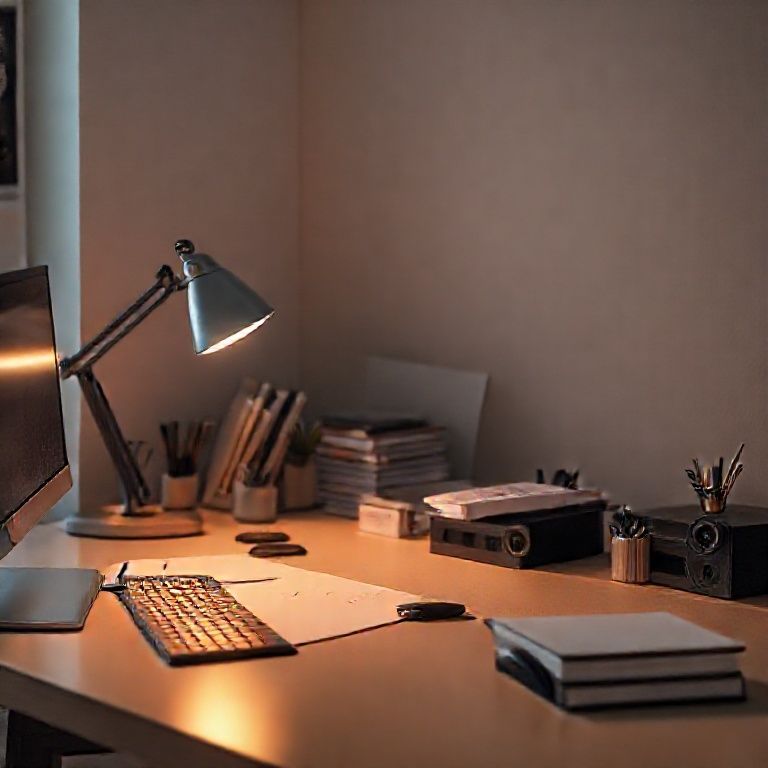
desk setup for deep work
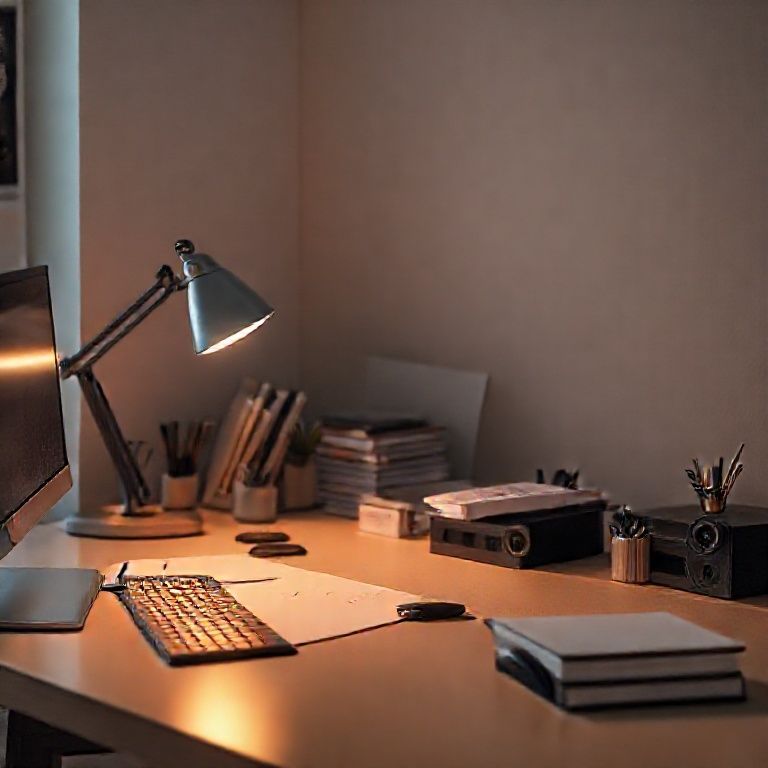
Introduction
In today’s fast-paced world, the ability to focus and complete tasks without distractions is more crucial than ever. As we navigate through our increasingly complex lives, it’s easy to get sidetracked by social media, email, and other digital temptations that can derail even the most well-intentioned work sessions. However, for those who value productivity and efficiency, a carefully designed desk setup can be the key to unlocking deep work – the state of complete absorption in a task that allows us to tap into our full creative potential.
A good desk setup for deep work is more than just a matter of aesthetics; it’s about creating an environment that fosters focus, productivity, and mental clarity. A cluttered or disorganized workspace can be a significant obstacle to achieving this state, while a well-designed setup can help minimize distractions and maximize concentration. By understanding the principles of effective desk design, individuals can create a space that supports their work style and helps them stay in the zone for longer periods.
In this article, we’ll explore the essential elements of a desk setup for deep work, from ergonomics and lighting to organization and technology integration. We’ll examine the latest research on productivity and focus, and provide practical tips and strategies for creating a workspace that boosts your ability to concentrate and deliver high-quality results. Whether you’re a freelancer, entrepreneur, or corporate professional, a well-designed desk setup can be the secret to unlocking your full potential and achieving success in your chosen field.
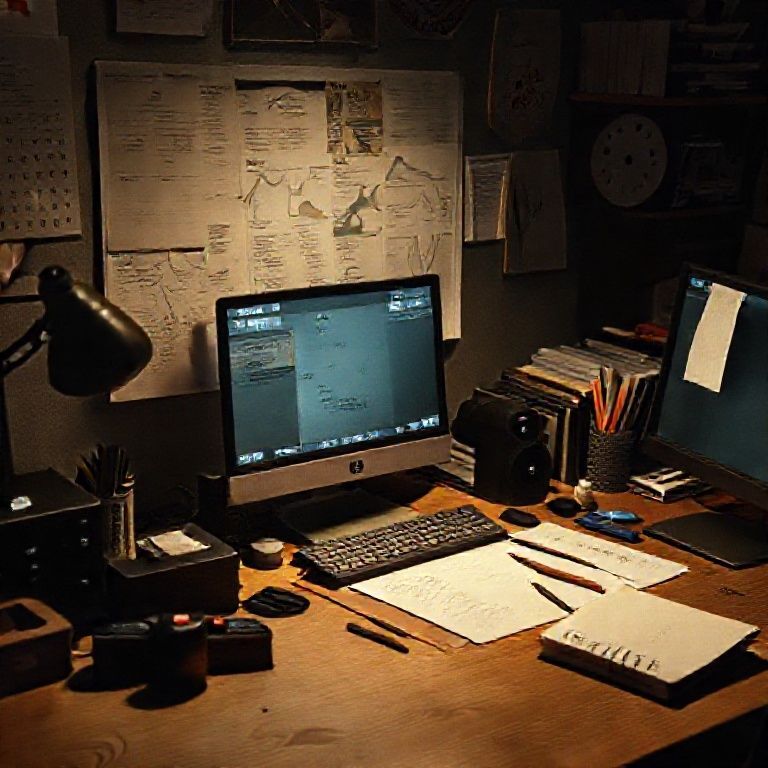
Creating an Optimal Desk Setup for Deep Work
Deep work is a state of complete focus and concentration on a single task, essential for productivity and achieving goals. An optimal desk setup can significantly impact your ability to engage in deep work. In this section, we will guide you through the process of creating a desk setup that fosters deep work.
1. Ergonomic Considerations
A well-designed desk setup should prioritize ergonomic comfort to prevent distractions and discomfort. Ensure your workspace is set up to promote good posture, reducing the risk of fatigue and injury.
Adjusting Your Chair Height
Position your chair so that your feet are flat on the floor or on a footrest, with your knees at or below hip level. This will help maintain a 90-degree angle between your thighs and torso. Consider using a anti-fatigue mat under your chair to reduce strain on your legs.
Positioning Your Monitor
Place your monitor directly in front of you, at a distance of about 20-25 inches, and at a height that allows you to gaze slightly downward (about 10-15 degrees). This will reduce eye strain and promote focused attention. Adjust the monitor’s brightness and contrast to comfortable levels.
Positioning Your Keyboard and Mouse
Position your keyboard directly in front of you, with your wrists straight and your elbows at a 90-degree angle. Place your mouse close to your body and at the same height as your keyboard. This will reduce strain on your wrists and hands.
Ergonomic Accessories
Consider investing in ergonomic accessories such as a document holder to keep papers at eye level, reducing the need to constantly look down or crane your neck.
2. Minimizing Distractions
A cluttered or distracting workspace can hinder your ability to engage in deep work. Implement the following strategies to minimize distractions:
Organizing Your Workspace
Clear your desk of unnecessary items, including papers, pens, and other office supplies. Keep only essential tools and materials within easy reach. Use a file organizer or storage bins to keep frequently used items accessible.
Using Noise-Cancelling Tools
Consider using noise-cancelling headphones or playing calming music to block out background noise and create a conducive work environment. You can also use website blockers such as Freedom or SelfControl to minimize social media and email distractions.
3. Enhancing Focus
A well-designed desk setup can also enhance your focus by providing visual cues and reminders. Implement the following strategies:
Creating a Visual Reminder
Place a few plants or artwork on your walls, or use a vision board to serve as a visual reminder of your goals and objectives. This will help you stay motivated and focused.
Incorporating Natural Light
Position your workspace near a natural light source, if possible. This can help regulate your circadian rhythms and improve overall well-being. Consider using sheer curtains or blinds to filter the light and reduce glare on your screen.
Minimal Decorum
Keep your desk decor minimal and uncluttered. Avoid placing personal items such as photos, mementos, or collectibles that may distract you from your work.
For more information on creating an optimal workspace, refer to the following resources:
Anchor: “Designing an Ergonomic Workspace” provides tips on setting up a comfortable and functional workspace.
Anchor: “The Benefits of Deep Work” explores the benefits of focusing on a single task for extended periods.
Desk Setup for Deep Work
I. Essential Components
To create an optimal workspace for deep work, you’ll need the following essential components:
A comfortable and adjustable chair
A large, high-quality monitor (at least 24 inches) with good color accuracy
A reliable keyboard and mouse combination
A noise-cancelling headset or a pair of quality headphones
A well-lit workspace with minimal distractions
II. Ergonomic Considerations
To ensure your physical comfort while working on deep tasks, consider the following ergonomic factors:
Position your chair at a comfortable height to avoid straining your neck and back
Place your monitor directly in front of you, at a distance of about 20-25 inches
Keep your keyboard and mouse close to your body to reduce arm strain
Adjust your headset or headphones to a comfortable listening position
III. Minimizing Distractions
To create an environment conducive to deep work, minimize distractions by:
Turning off notifications on your phone, computer, or other devices
Closing unnecessary tabs or windows on your computer
Using a website blocker or productivity app to limit access to social media and email
Removing any personal items that might serve as distractions
IV. Lighting and Temperature Control
To create an optimal workspace environment, consider the following lighting and temperature control factors:
Position yourself near a natural light source if possible, or use high-quality artificial lighting
Adjust your thermostat to a comfortable temperature range (around 22-25°C)
Use plants or aromatherapy to enhance your mood and focus
V. Technology and Software
To support deep work, consider the following technology and software:
Invest in a reliable and fast computer or laptop
Use a project management tool or task list to organize your work
Consider using a browser extension or app to block distracting websites
Set up automatic backups for your important files


Conclusion
In optimizing your desk setup for deep work, it’s essential to prioritize comfort and focus. By incorporating elements such as good lighting, ergonomic furniture, and minimal distractions, you can create an environment that fosters productivity and concentration. Take the first step towards boosting your deep work capabilities by assessing your current workspace and making adjustments accordingly. Consider investing in a standing desk or ergonomic chair, and establish clear boundaries with colleagues to minimize interruptions. By creating an ideal workspace, you’ll be better equipped to tackle complex tasks and achieve your goals.
Here are five concise FAQ pairs for a desk setup for deep work:
Q: What is the ideal height for my desk to facilitate deep work?
A: The ideal height is around 30-35 inches above the floor, allowing you to sit with your elbows at a 90-degree angle and your wrists straight.
Q: How can I minimize distractions by setting up my workspace?
A: Consider placing your desk in a quiet area away from windows, doors, and high-traffic zones. You can also use noise-cancelling headphones or white noise machines to block out background noise.
Q: What type of lighting is best for deep work at a desk?
A: Soft, natural light is ideal, but if that’s not possible, use a combination of warm-toned overhead lighting and task lamps to create a comfortable and focused workspace.
Q: How can I optimize my chair and posture for deep work comfort?
A: Choose a chair with proper lumbar support and adjust it to fit your body. Keep your feet flat on the floor or on a footrest, and sit up straight with your shoulders relaxed and your head in a neutral position.
Q: What are some tips for decluttering my workspace to improve focus during deep work?
Here’s a short quiz for ‘desk setup for deep work’:
Question 1: What is the ideal distance between your desk and the door?
A) Within a few feet to minimize distractions
B) About 10-15 feet away to create a sense of separation
C) Right next to the door to be easily accessible
Show answer
Answer: B
Question 2: Which of the following colors is most conducive to focus and productivity?
A) Calming blue or green
B) Stimulating red or orange
C) Neutral beige or gray
Show answer
Answer: A
Question 3: What type of lighting is best for deep work?
A) Bright, harsh overhead lighting
B) Soft, warm natural light
C) Cool, dim fluorescent lighting
Show answer
Answer: B
Question 4: How often should you adjust your chair height to maintain optimal comfort and focus?
A) Every hour or two to stay alert
B) About every 30-60 minutes to take breaks
C) Only when switching tasks or projects



I appreciate the depth of research in this post!
This is exactly what I was looking for. Very helpful! This was really helpful.
This helped me solve my problem. Thank you so much! 👍
Amazing content as always. looking forward to more posts like this.
This is incredibly well-researched and informative.
I enjoyed reading this. I love how you break down complex topics.