
Back Friendly Home Office Setup: 11 Costly Mistakes that Drain Your Energy

back friendly home office setup

Introduction
As we spend more time working from home, it’s essential to create a workspace that not only sparks productivity but also prioritizes our physical well-being. A back-friendly home office setup is no longer just a nicety; it’s a necessity for maintaining good posture, reducing the risk of back pain, and boosting overall comfort while working.
With the rise of remote work, many of us are now spending more time sitting at our desks than ever before. This can lead to a range of issues, from neck strain to lower back discomfort. However, by incorporating some simple design elements and ergonomic considerations into our home offices, we can create a workspace that supports good posture and reduces the risk of injury.
In this article, we’ll explore the key principles of creating a back-friendly home office setup, including tips on ergonomics, furniture selection, and layout design. We’ll also examine the latest research and expert advice on how to create a comfortable and healthy working environment, helping you to stay focused and productive while protecting your back from the negative impacts of prolonged sitting.
Creating a Back-Friendly Home Office Setup
Ergonomic Considerations
When setting up your home office, it’s essential to consider the ergonomic implications of your workspace. A back-friendly home office setup should prioritize comfort and reduce the risk of back pain.
Adjusting Your Chair Height
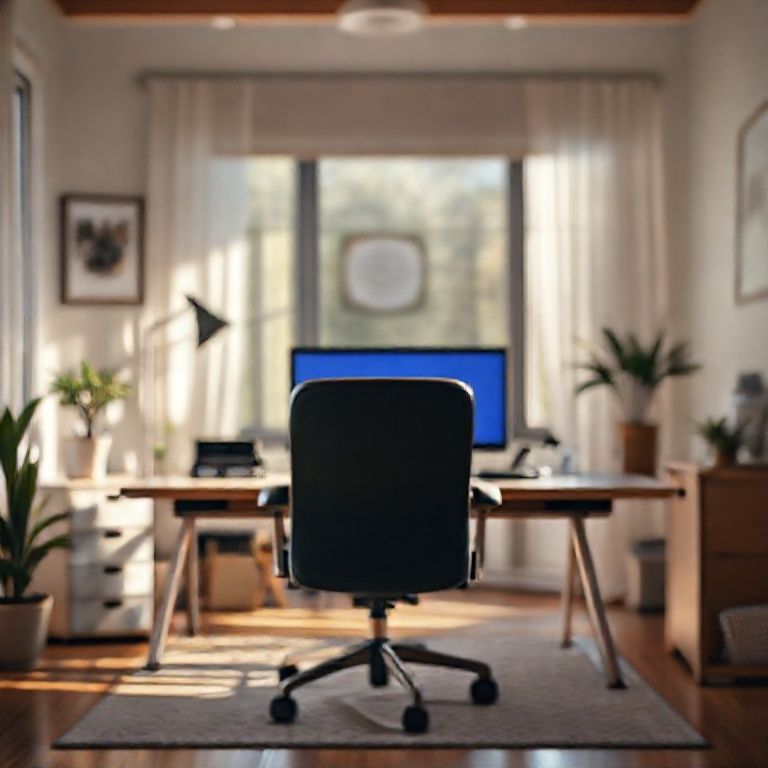
To ensure proper lumbar support, adjust your chair height so that your feet are flat on the floor or on a footrest, with your knees at or below hip level. This will help maintain the natural curve of your lower back. Consider using a footrest or floor mat to reduce strain on your legs and lower back.
Positioning Your Monitor
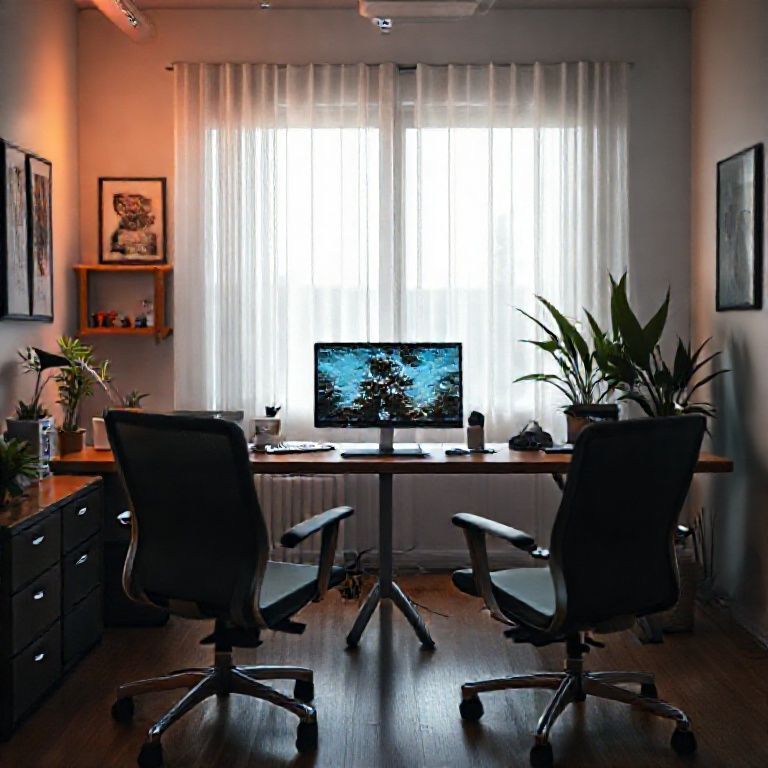
Place your monitor directly in front of you, at a distance of about 20-25 inches, and at a height that allows you to gaze slightly downward. This will reduce strain on your neck and shoulders. Adjust the monitor’s tilt and swivel to ensure it’s at a comfortable viewing angle.
Positioning Your Desk
Position your desk so that it’s at a comfortable standing or sitting height. The top of the desk should be at eye level or slightly below, to avoid leaning forward or straining your neck.
Organizing Your Workspace
A cluttered workspace can lead to unnecessary strain on your back. Keep frequently used items within easy reach, and consider using storage solutions like shelves or cabinets to keep less-used items out of the way.
Implementing a “Touch Once” Policy
To minimize movement and reduce strain, adopt a “touch once” policy when handling documents or supplies. This means trying to handle each item only once before putting it away or filing it away. Consider using a paper tray or file organizer to keep important documents within easy reach.
Additional Tips for a Back-Friendly Home Office Setup
Taking Regular Breaks
Take regular breaks to stand up, stretch, and move around. This can help reduce the risk of back pain and improve overall well-being. Try taking a 5-10 minute break every hour to stand up, stretch your arms and legs, and move around the room.
Staying Hydrated
Drink plenty of water throughout the day to stay hydrated and avoid dehydration headaches. Keep a water bottle on your desk or in easy reach to encourage regular sipping.
Additional Ergonomic Considerations for Home Office Setup
Lighting
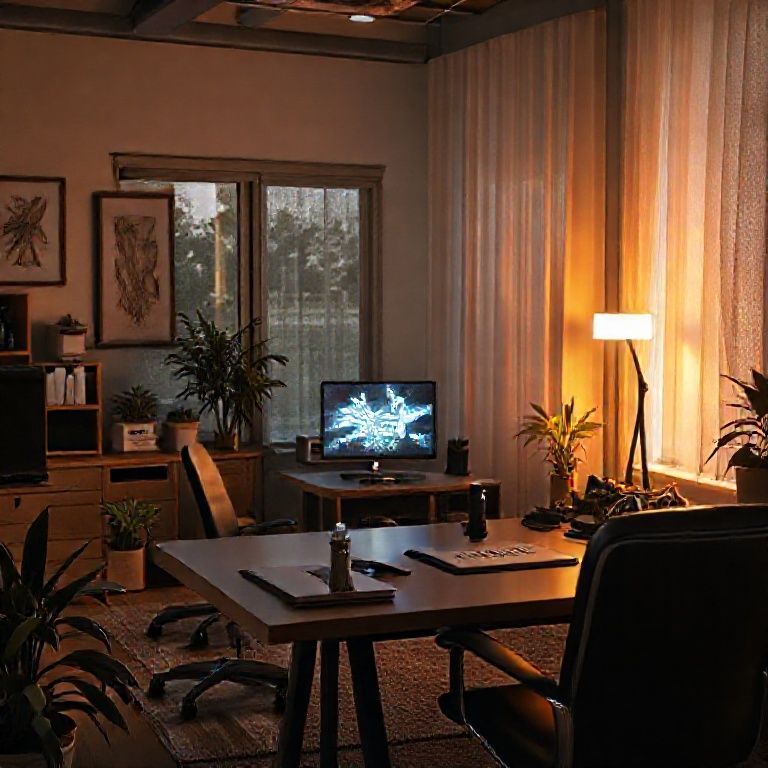
Ensure that your workspace is well-lit, with minimal glare from overhead lighting or screens. Consider using table lamps or floor lamps to provide soft, indirect light.
Keyboard and Mouse Positioning
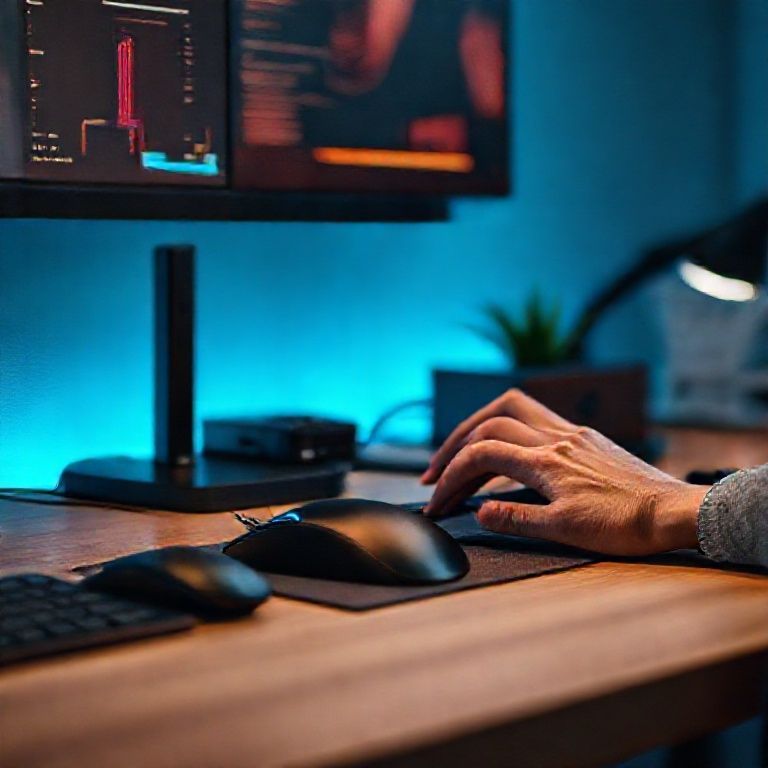
Position your keyboard directly in front of you, with your wrists straight and your elbows at a 90-degree angle. Place your mouse close to your body and at the same height as your keyboard.
Creating a Comfortable Home Office Environment
Create a comfortable home office environment by incorporating plants, artwork, or other decorative elements that promote relaxation and focus.
Incorporating Plants
Add some greenery to your workspace to improve air quality and reduce stress. Choose low-maintenance plants like succulents or snake plants that are easy to care for.
Using Calming Colors
Use calming colors on your walls or furniture to create a relaxing atmosphere. Consider using shades of blue, green, or neutral tones to promote focus and productivity.
# Back Friendly Home Office Setup
Setting up a comfortable and functional home office can be challenging, especially when it comes to accommodating back pain. A well-designed workspace can help reduce strain and discomfort, while a poorly designed one can exacerbate existing issues.
Choosing the Right Chair
A good chair is essential for maintaining proper posture and reducing back pain. Here are some tips for choosing the right chair:
Seat Height and Depth
Adjust the seat height so that your feet are flat on the floor or on a footrest, with your knees at or below hip level. The seat depth should be deep enough to support your thighs, but not so deep that it presses against the back of your knees.
Lumbar Support
Look for a chair with adjustable lumbar support, which can help maintain the natural curve of your lower back.
Armrests
Adjustable armrests can help take pressure off your shoulders and neck. Make sure they are high enough to allow you to sit up straight without leaning forward.
Positioning Your Workspace
Positioning your workspace correctly can help reduce strain on your back and neck. Here are some tips:
Monitor Height
Place your monitor directly in front of you, at a distance of about 20-25 inches. The top of the monitor should be at eye level or slightly below.
Keyboard and Mouse Position
Position your keyboard directly in front of your body, with your wrists straight and your elbows at a 90-degree angle. Place your mouse close to your body and at the same height as your keyboard.
Ergonomic Accessories
Ergonomic accessories can help reduce strain on your back and neck. Here are some options:
Document Holder
Use a document holder to keep papers at eye level, reducing the need to look down or crane your neck.
Footrest
Consider using a footrest to elevate your feet and take pressure off your lower back.
Headset
If you’ll be on phone calls frequently, consider investing in a headset that can help reduce strain on your neck and shoulders.
Maintaining Good Posture
Maintaining good posture is crucial for reducing back pain. Here are some tips:
Take Breaks
Take regular breaks to stand up, stretch, and move around. This can help reduce muscle fatigue and improve circulation.
Stretching Exercises
Perform stretching exercises regularly to loosen tight muscles and improve flexibility.
Staying Active
Stay active through exercise or other physical activities to maintain strong back muscles and improve overall health.

Conclusion
In creating a back-friendly home office setup, it’s essential to prioritize your physical and mental well-being. By incorporating ergonomic furniture, natural light, and plants into your workspace, you can boost productivity and reduce the risk of chronic pain and eye strain. Take the first step towards a healthier work-from-home experience by assessing your current space and making small changes that promote comfort and sustainability. Start today by researching ergonomic furniture options, investing in a standing desk or adjustable chair, and exploring ways to bring more greenery into your office. Together, let’s redefine what it means to be productive and comfortable in our homes.
Here are five concise FAQ pairs for a “Back Friendly Home Office Setup”:
Q: What type of chair is best for back health in a home office?
A: A chair with good lumbar support, adjustable height and armrests, and a breathable fabric is ideal.
Q: How can I ensure my desk is at the right height to prevent back strain?
A: Place your monitor directly above your keyboard, about 20-25 inches away from your body, and position your feet flat on the floor or on a footrest.
Q: Can I still work comfortably with a standing desk if I have back pain?
A: Yes, standing desks can be beneficial for back health, but make sure to alternate between sitting and standing throughout the day and adjust the height to suit your needs.
Q: What are some ergonomic tips for setting up my home office?
A: Position your keyboard and mouse close to your body, keep your monitor at a comfortable distance, and avoid crossing your legs or ankles, which can put pressure on your spine.
Q: How often should I take breaks to stretch and move around while working from home?
Here’s a short quiz for a back-friendly home office setup:
Question 1: What is the ideal height for a standing desk?
A) At waist level
B) At eye level
C) At shoulder level
Show answer
Answer: A) At waist level
Question 2: Which of the following activities can exacerbate back strain in an office setting?
A) Sitting with good posture
B) Standing with good posture
C) Sitting or standing with poor posture
Show answer
Answer: C) Sitting or standing with poor posture
Question 3: What type of chair is recommended for a back-friendly home office setup?
A) A high-backed, heavy chair
B) A low-back, adjustable chair
C) A reclining chair
Show answer
Answer: B) A low-back, adjustable chair
Question 4: Which ergonomic feature can help reduce the risk of back strain in an office setting?
A) Monitor height adjustment
B) Keyboard and mouse placement
C) All of the above
Show answer
Answer: C) All of the above




Amazing content as always. Looking forward to more posts like this. 💯
This opened my eyes to a new way of thinking. 💯
Brilliant explanation! everything makes sense now.
Excellent post. I learned something new today.
Perfect timing. I was just researching this topic.
Well written! This is exactly what I was looking for. Very helpful!