
Gps Watch Setup For Beginners: 8 Costly Errors that Waste Your Time

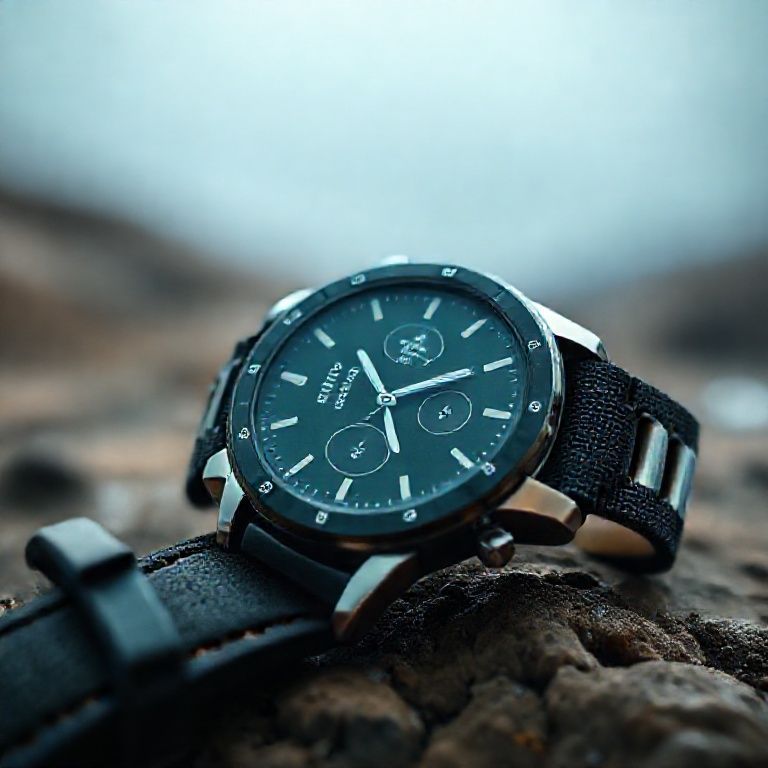
gps watch setup for beginners
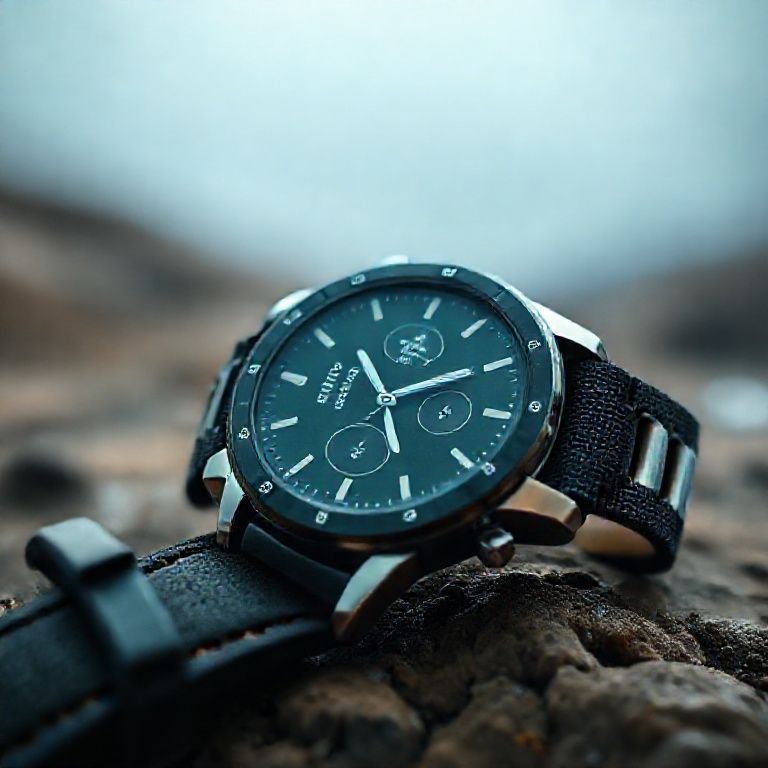
Introduction
For those new to GPS tracking and navigation, setting up a GPS watch can seem like a daunting task. With so many features and settings to navigate, it’s easy to get overwhelmed and unsure of where to start. However, with a little guidance, anyone can learn how to set up their GPS watch and start enjoying the benefits of GPS tracking.
As technology advances, GPS watches have become increasingly popular among outdoor enthusiasts, athletes, and individuals who value convenience and accuracy. These devices offer a range of features, including distance tracking, pace monitoring, and route planning, making them an essential tool for anyone looking to stay on top of their fitness goals or navigate unfamiliar terrain.
In this article, we’ll provide a step-by-step guide on how to set up your GPS watch for beginners. We’ll cover the basics of setting up your device, understanding its features, and configuring settings that suit your needs. Whether you’re a seasoned athlete or just starting out, our expert advice will help you get the most out of your GPS watch and start tracking your progress in no time.

Understanding Your GPS Watch
Before you start setting up your GPS watch, it’s essential to familiarize yourself with its features and functionality. Most GPS watches come with a user manual or online resources that can guide you through the setup process. Take some time to read through these resources and understand how your specific device works.
Key Features to Consider
When choosing a GPS watch, consider the following key features:
Satellite System:
Look for a watch that supports multiple satellite systems, such as GPS, GLONASS, and Galileo. This will ensure that you can access location data even in areas with limited signal strength.
For example, the Garmin Forerunner 945 supports both GPS and GLONASS, making it ideal for runners who train in different environments.
GPS Accuracy:
Check the watch’s GPS accuracy and its ability to provide precise location data. A higher GPS accuracy means that your watch will be able to track your movements more accurately.
For instance, the Suunto 9 Baro features a high-precision GPS system with an accuracy of 1-2 meters, making it suitable for long-distance runners who require precise tracking.
Battery Life:
Consider the battery life of your watch, especially if you plan to use it for extended periods. A longer battery life means that you can wear your watch for longer without needing to recharge.
For example, the Fitbit Ionic has a battery life of up to 5 days, making it ideal for users who want to track their fitness goals over an extended period.
Step 1: Enable Location Services
To start using your GPS watch, you need to enable location services on your device. This process varies depending on your operating system and device manufacturer.
For Android Devices
1. Go to Settings > Location.
2. Select the “GPS” or “Location Provider” option.
3. Make sure the switch is turned on to enable location services.
For more information, visit Google’s Location Services Guide.
For IOS Devices
1. Go to Settings > Privacy > Location Services.
2. Select your GPS watch from the list of available locations services.
3. Make sure the switch is turned on to enable location services.
For more information, visit Apple’s Location Services Guide.
Step 2: Pair Your GPS Watch with a Smartphone
To use your GPS watch effectively, you need to pair it with a smartphone. This process varies depending on your device manufacturer and operating system.
For Android Devices
1. Open the companion app for your GPS watch.
2. Follow the in-app instructions to pair your watch with your smartphone.
For example, the Garmin Connect app can be downloaded from the Google Play Store and paired with the Garmin Forerunner 945.
3. Make sure that both devices are connected to the same Wi-Fi network or Bluetooth connection.
For IOS Devices
1. Open the companion app for your GPS watch.
2. Follow the in-app instructions to pair your watch with your smartphone.
For example, the Fitbit Coach app can be downloaded from the App Store and paired with the Fitbit Ionic.
3. Make sure that both devices are connected to the same Wi-Fi network or Bluetooth connection.
Step 3: Configure Your GPS Watch Settings
Once you’ve paired your GPS watch with a smartphone, you can configure its settings to suit your needs.
Setting Up GPS Tracking
1. Go to the companion app and navigate to the “GPS Tracking” section.
2. Select the tracking mode you prefer (e.g., distance-based or time-based).
3. Adjust the sensitivity and other settings as needed.
For example, the Garmin Forerunner 945 allows users to adjust the stride length and stride time sensitivity to suit their individual needs.
Setting Up Heart Rate Monitoring
1. Go to the companion app and navigate to the “Heart Rate” section.
2. Select the heart rate monitoring mode you prefer (e.g., continuous or manual).
3. Adjust the sensitivity and other settings as needed.
For example, the Fitbit Ionic allows users to adjust the heart rate zone settings to suit their individual fitness goals.
By following these steps, you can set up your GPS watch for beginners and start tracking your fitness goals with ease. Remember to regularly update your watch’s software and firmware to ensure that it runs smoothly and efficiently.

Conclusion
In setting up your GPS watch as a beginner, it’s essential to take the time to understand its features and capabilities. By following these simple steps, you can unlock the full potential of your device and enjoy a seamless tracking experience. Don’t be intimidated by the complexity of modern technology â with practice and patience, you’ll soon be navigating with ease. Take the first step towards GPS watch mastery today and start exploring new possibilities for fitness, adventure, and beyond!
Here are five concise FAQ pairs for “GPS Watch Setup for Beginners”:
Q: What is the first step in setting up my GPS watch?
A: The first step is to charge your GPS watch fully, then turn it on by pressing the power button.
Q: How do I pair my GPS watch with my smartphone or tablet?
A: To pair your GPS watch with your device, go to the watch’s settings menu and select “Connect” or “Pair,” then follow the on-screen instructions.
Q: What information does my GPS watch display during tracking?
A: Your GPS watch typically displays distance traveled, speed, altitude, and location, as well as any other data depending on the model and features.
Q: How do I reset my GPS watch if it’s not working properly?
A: To reset your GPS watch, press and hold the power button until the device restarts. If issues persist, refer to the user manual or contact customer support.
Q: Do I need an account to use my GPS watch?
Here’s your GPS watch setup quiz:
Question 1: What is the primary purpose of setting up your GPS watch?
A) To track your daily activity
B) To navigate during outdoor activities
C) To monitor your sleep patterns
Show answer
Answer: B) To navigate during outdoor activities
Question 2: Which type of satellite signal does a GPS watch typically use to determine its location?
A) GLONASS
B) Galileo
C) GPS
Show answer
Answer: C) GPS
Question 3: How often should you update the map data on your GPS watch to ensure accurate navigation?
A) Daily
B) Weekly
C) Monthly
Show answer
Answer: B) Weekly
Question 4: What is the recommended method for calibrating a GPS watch’s compass?
A) By setting it to manual mode and walking in a straight line
B) By using the watch’s built-in calibration feature
C) By allowing it to auto-calibrate during use
Show answer
Answer: A) By setting it to manual mode and walking in a straight line




I enjoyed reading this. Your writing style makes complex topics easy to understand.
Interesting perspective. I can’t thank you enough for this information.