
Use A Microphone Explained: 8 Costly Errors that Waste Your Time

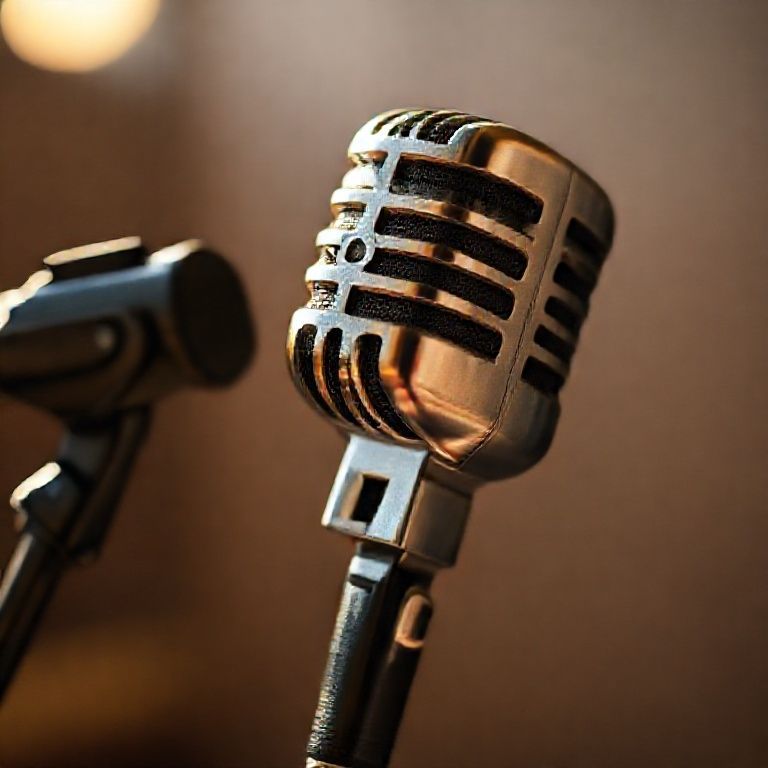
use a microphone explained
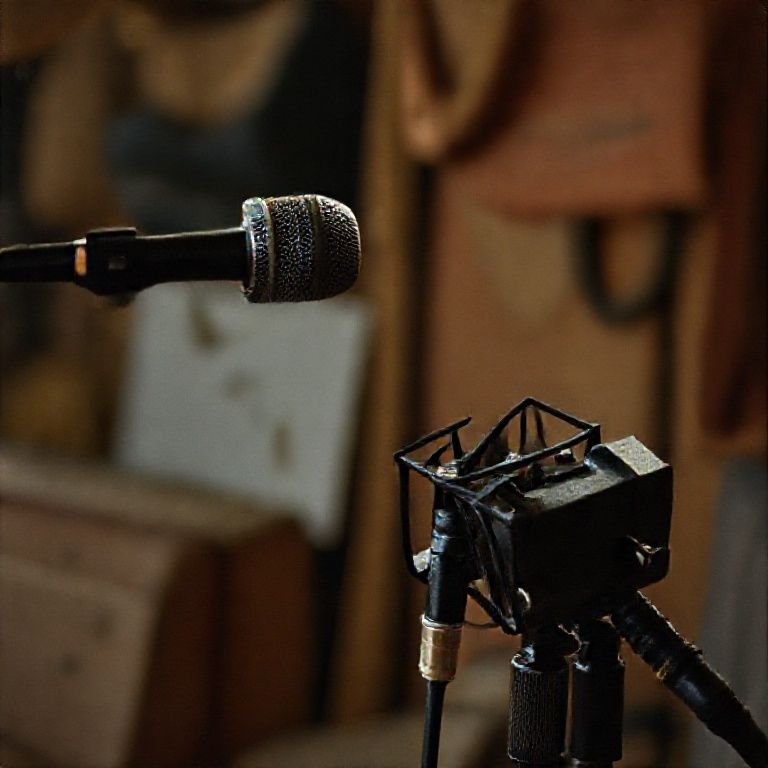
Introduction
For many of us, the concept of using a microphone seems straightforward – simply plug it in and start speaking or singing into it. However, this simplicity belies the complexity of what actually happens when we use a microphone. When you speak or sing into a microphone, your voice is converted into an electrical signal that can be amplified and processed for playback through speakers or headphones.
But have you ever stopped to think about how the microphone itself works? From the way it captures sound waves to the electronics that process them, there are many nuances at play when using a microphone. In this article, we’ll take a closer look at the basics of using a microphone and explore some of the key factors that affect its performance.
Whether you’re a seasoned musician, a podcast enthusiast, or simply someone who wants to improve their public speaking skills, understanding how to use a microphone effectively is essential. By grasping the fundamentals of microphone operation, you’ll be able to get the best possible sound quality from your equipment and achieve your communication goals with confidence.
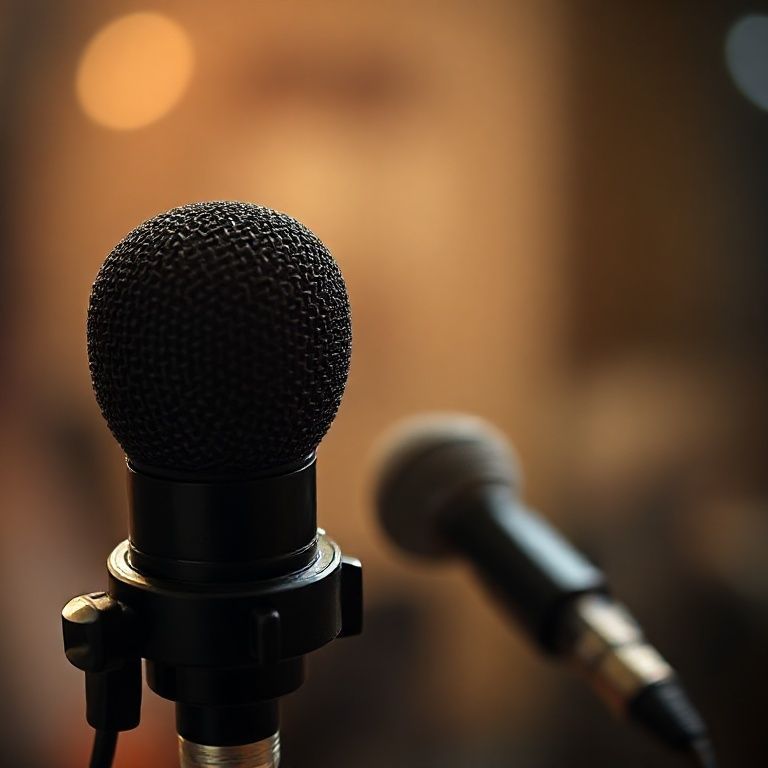
Getting Started with Using a Microphone Explained
When it comes to using a microphone, there are several factors to consider in order to get the best possible sound quality.
Understanding Your Microphone Type
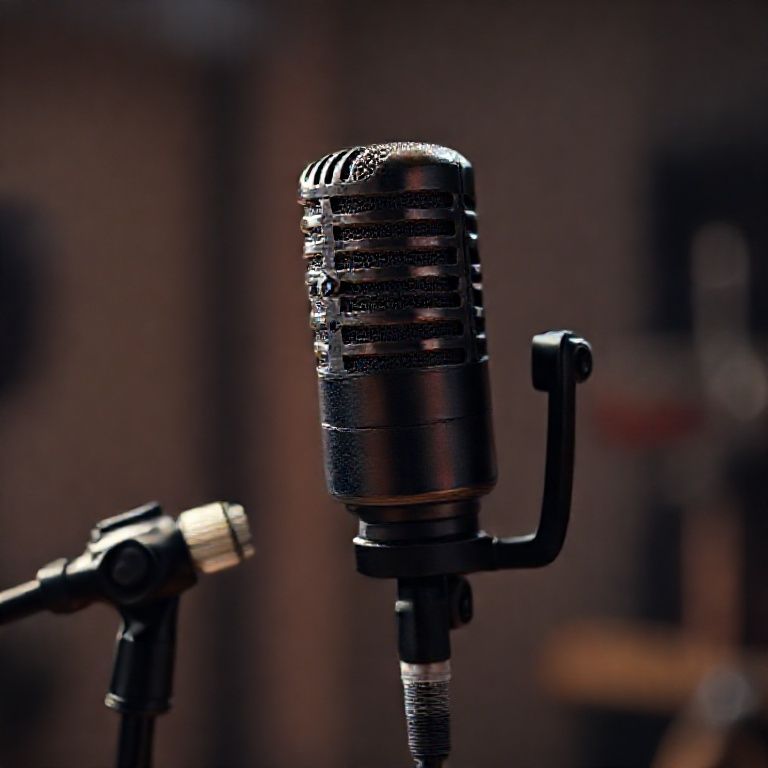
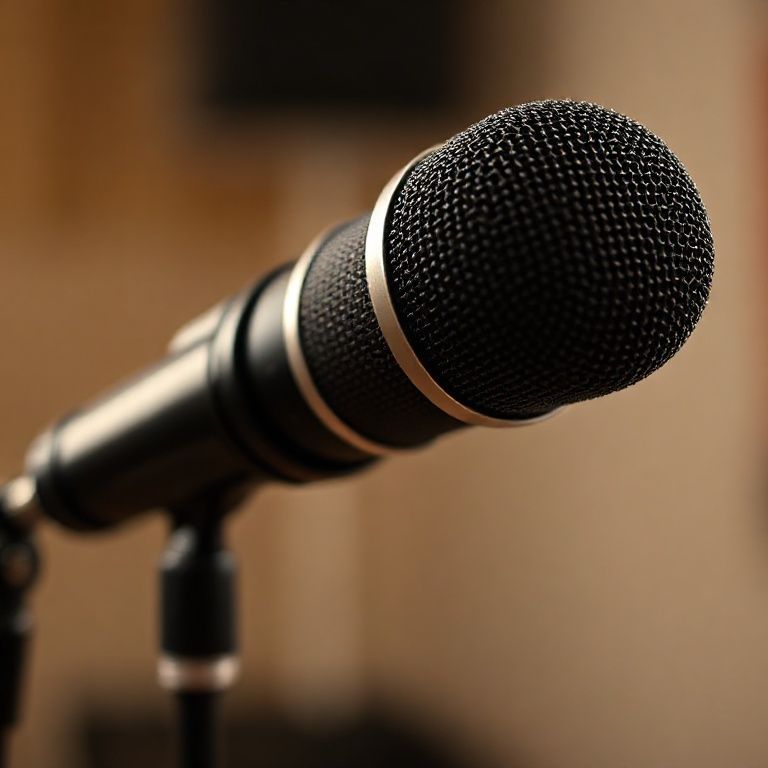
There are two main types of microphones: dynamic and condenser. Dynamic microphones are more forgiving and can handle high levels of noise, making them ideal for live performances and loud environments. Condenser microphones, on the other hand, are more sensitive and require a quieter environment to produce the best sound.
Choosing the Right Microphone for Your Needs
When selecting a microphone, consider the type of sound you want to capture. If you’re recording vocals or instruments with a lot of high-frequency content, a condenser microphone may be the better choice. For live performances or loud environments, a dynamic microphone is more suitable. Some popular microphones for each application include:
Dynamic microphones: Shure SM58, Sennheiser MD421
Condenser microphones: Neumann TLM 103, AKG C414
Preparing Your Microphone
Before using your microphone, make sure it’s properly prepared for optimal sound quality.
Cleaning and Maintaining Your Microphone
Regularly clean your microphone to ensure it’s free from dust and debris. Use a soft cloth and gentle cleaning solution to avoid damaging the microphone’s internal components. Some additional tips include:
Use compressed air to clean hard-to-reach areas
Avoid touching the microphone’s grille or diaphragm with your bare hands
Store your microphone in a protective case when not in use
Setting Up Your Microphone
Proper Setup Is Crucial for Achieving High-Quality Sound.
Positioning Your Microphone
Experiment with different mic placements to find the optimal position for your specific recording or performance. Generally, you want the microphone to be at least 6-8 inches away from the sound source and at a 45-degree angle. Consider the following placement options:
Close-miking: Place the microphone directly in front of the sound source
Room-miking: Position the microphone in the room to capture ambient sounds
Cardioid-miking: Use a cardioid pickup pattern to reject background noise
Adjusting the Mic Gain
Adjust the mic gain to suit the level of sound you’re capturing. If the signal is too weak, increase the gain; if it’s too loud, decrease it. Some additional tips include:
Start with a low gain setting and adjust as needed
Use a preamp or audio interface to boost the signal
Monitor your audio levels using a meter or software
Recording with Your Microphone
Now that your microphone is set up and prepared, it’s time to start recording.
Using a Pop Filter
A pop filter can be a game-changer when recording vocals. It helps soften the attack of plosive sounds, resulting in a smoother sound quality. You can purchase a commercial pop filter or make your own using a DIY kit.
Recording with Multiple Mics
If you’re recording multiple instruments or vocals, consider using multiple microphones to capture a more detailed and nuanced sound. Some popular microphone combinations include:
Dynamic microphones: Shure SM57 for drums, Sennheiser MD421 for guitars
Condenser microphones: Neumann TLM 103 for orchestral recordings, AKG C414 for studio vocals
Troubleshooting Common Issues
Don’t be discouraged if you encounter issues while using your microphone. With these tips, you can troubleshoot common problems and achieve high-quality sound.
Dealing with Feedback
Feedback can be a major issue when using a microphone. To avoid it, make sure to position the microphone correctly and adjust the gain accordingly. Some additional tips include:
Use an acoustic treatment in the recording space
Position the microphone at least 6-8 inches away from the sound source
Monitor your audio levels closely during recording
Dealing with Plosives
Plosive sounds, such as “p” and “t”, can be a challenge when recording vocals. To reduce plosives, try using:
A pop filter to soften the attack of plosive sounds
A compressor to even out the dynamic range
A de-esser to target specific frequencies
Conclusion
In conclusion, using a microphone can seem intimidating at first, but it’s a simple and essential tool for anyone looking to improve their communication skills. By understanding the different types of microphones, how to position them correctly, and how to adjust sound levels, you can unlock your full potential in both personal and professional settings. So, take the next step today and start exploring the world of microphones! Whether it’s for recording a podcast, presenting to a crowd, or simply chatting with friends, using a microphone can make all the difference. Start experimenting with different microphones and techniques, and discover how this simple tool can help you express yourself more confidently and effectively.
Here are five concise FAQ pairs for “Use a Microphone Explained”:
Q: What is the primary purpose of using a microphone?
A: The primary purpose of using a microphone is to capture and amplify sound waves, allowing them to be heard by an audience or recorded for later playback.
Q: How do I hold a microphone correctly?
A: Hold a microphone with both hands, one hand supporting the body of the mic and the other guiding it towards your mouth. This helps to reduce vibrations and ensure clear audio.
Q: What is the difference between condenser and dynamic microphones?
A: Condenser microphones are more sensitive and often used for capturing detailed sounds, while dynamic microphones are sturdier and better suited for loud sources like drums or public speaking.
Q: How do I adjust my microphone volume?
A: Adjust your microphone volume by turning the gain control on your mixer or audio interface. This allows you to optimize the sound level to avoid distortion or feedback.
Q: Can I use any type of microphone in a quiet room?
Here’s a short quiz on “Use a Microphone” with 4 single-choice questions:
1. What is the primary purpose of using a microphone in recording or speaking?
A) To amplify sound
B) To increase volume
C) To capture and transmit sound waves
Show answer
Answer: C
2. Which part of the microphone converts sound waves into electrical signals?
A) Diaphragm
B) Coil
C) Speaker
Show answer
Answer: B
3. What is the term for the process of connecting a microphone to an audio device or equipment?
A) Mic setup
B) Audio connection
C) Plug-in
Show answer
Answer: C
4. Why is it important to position a microphone correctly in order to capture high-quality sound?
A) To reduce echo and feedback
B) To increase volume and clarity
C) To direct the sound towards the listener
Show answer
Answer: B

This is so useful! Bookmarking for future reference. Keep up the good work!
I enjoyed reading this. This post answered all my questions. Thank you!